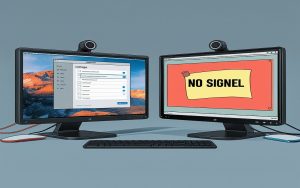
🖥️ Seeing nothing? Here’s how to troubleshoot:
1️⃣ Restart Explorer.exe:
- Press Ctrl + Shift + Esc to open Task Manager.
- Go to File → Run New Task → Type
explorer.exeand hit Enter.
2️⃣ Boot into Safe Mode:
- Restart your PC and press F8 repeatedly.
- Select Safe Mode and check for any recent updates or drivers causing issues.
3️⃣ Disable Fast Startup:
- Go to Control Panel → Power Options → Choose what the power buttons do → Uncheck Turn on fast startup.
4️⃣ Check Hardware Connections:
- Ensure your monitor and cables are securely connected.
💡 Tip: Avoid forced shutdowns to prevent similar issues.
#WindowsBlackScreen #TechFix #Troubleshooting