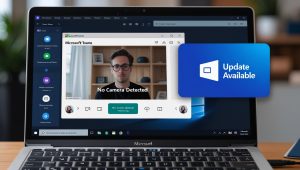
🔌 Multi-monitor setup not working? Let’s fix it:
1️⃣ Check Cable and Ports:
- Ensure the monitor is properly connected with a working cable.
2️⃣ Detect Monitor Manually:
- Go to Settings → System → Display → Click Detect.
3️⃣ Update Display Drivers:
- Open Device Manager → Expand Display Adapters → Right-click and select Update Driver.
4️⃣ Change Display Settings:
- Right-click on the desktop → Display Settings → Adjust the Multiple Displays option to Extend.
💡 Pro Tip: Use HDMI for higher compatibility with modern monitors.
#MultipleMonitors #WindowsDisplay #TechHelp