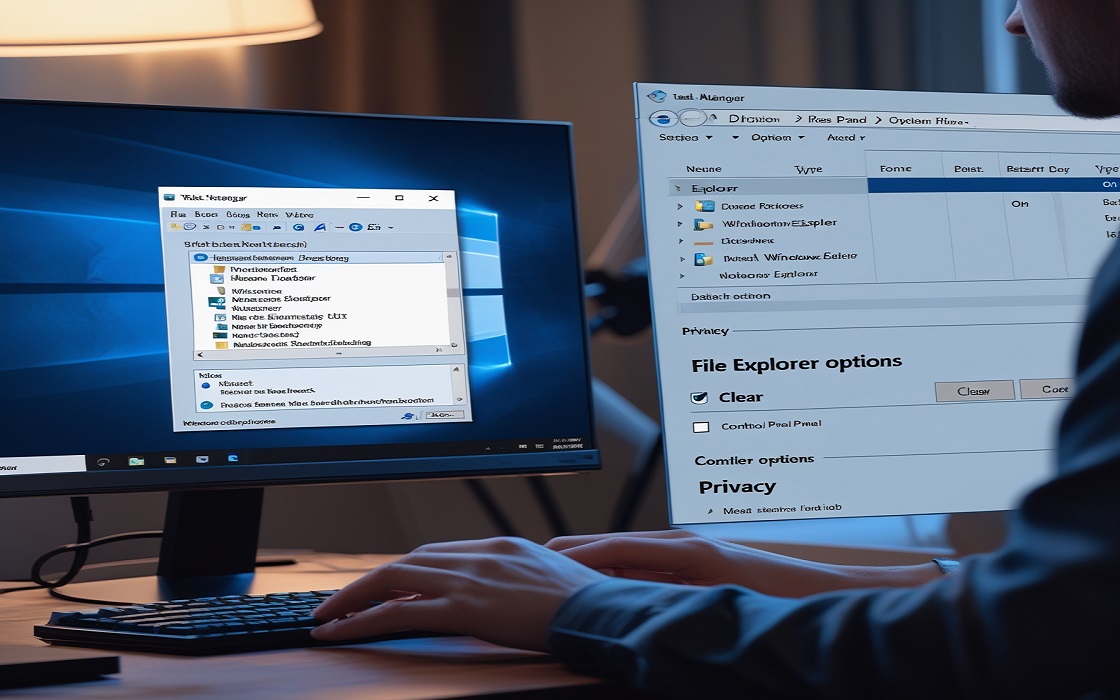
📂 𝗖𝗮𝗻’𝘁 𝗮𝗰𝗰𝗲𝘀𝘀 𝘆𝗼𝘂𝗿 𝗳𝗶𝗹𝗲𝘀? 𝗛𝗲𝗿𝗲’𝘀 𝘁𝗵𝗲 𝗳𝗶𝘅:
1️⃣ 𝗥𝗲𝘀𝘁𝗮𝗿𝘁 𝗙𝗶𝗹𝗲 𝗘𝘅𝗽𝗹𝗼𝗿𝗲𝗿:
Press Ctrl + Shift + Esc to open Task Manager.
Find Windows Explorer, right-click, and select Restart.
2️⃣ 𝗖𝗹𝗲𝗮𝗿 𝗙𝗶𝗹𝗲 𝗘𝘅𝗽𝗹𝗼𝗿𝗲𝗿 𝗛𝗶𝘀𝘁𝗼𝗿𝘆:
Go to Control Panel → File Explorer Options → Click Clear in Privacy.
3️⃣ 𝗖𝗵𝗲𝗰𝗸 𝗳𝗼𝗿 𝗖𝗼𝗿𝗿𝘂𝗽𝘁𝗲𝗱 𝗦𝘆𝘀𝘁𝗲𝗺 𝗙𝗶𝗹𝗲𝘀:
Open Command Prompt (Admin) and type:
sfc /scannow
4️⃣ 𝗥𝗲𝗯𝘂𝗶𝗹𝗱 𝗦𝗲𝗮𝗿𝗰𝗵 𝗜𝗻𝗱𝗲𝘅:
Go to Control Panel → Indexing Options → Advanced → Click Rebuild.
💡 𝗣𝗿𝗼 𝗧𝗶𝗽: 𝗔𝘃𝗼𝗶𝗱 𝗼𝘃𝗲𝗿𝗹𝗼𝗮𝗱𝗶𝗻𝗴 𝗙𝗶𝗹𝗲 𝗘𝘅𝗽𝗹𝗼𝗿𝗲𝗿 𝘄𝗶𝘁𝗵 𝘁𝗼𝗼 𝗺𝗮𝗻𝘆 𝘁𝗮𝗯𝘀 𝗼𝗿 𝗹𝗮𝗿𝗴𝗲 𝗳𝗶𝗹𝗲𝘀.
𝗦𝗺𝗼𝗼𝘁𝗵 𝘀𝗮𝗶𝗹𝗶𝗻𝗴 𝘁𝗵𝗿𝗼𝘂𝗴𝗵 𝘆𝗼𝘂𝗿 𝗳𝗶𝗹𝗲𝘀 𝗮𝗴𝗮𝗶𝗻!
#FileExplorerFix #WindowsHelp #TechSolutions