How to fix “Zoom Audio Not Working” on Windows
Fix “Zoom Audio Not Working” on Windows 🎥 Can’t hear or be heard? Try this: 1️⃣ Check Microphone Permissions: Go to Settings → Privacy → Microphone → Enable access for Zoom.…
Fix “Google Chrome High CPU Usage” 🌐 Chrome slowing down your PC? Do this: 1️⃣ Clear Cache and Cookies: Go to Settings → Privacy and Security → Clear Browsing Data →…
🖋️ Word acting up? Here’s how to fix it: 1️⃣ Disable Add-ins: Open Word → Go to File → Options → Add-ins → Disable all unnecessary add-ins. 2️⃣ Repair Office Installation:…
🖨️ Having trouble printing? Here’s the solution: 1️⃣ Ensure Printer is Shared: On the primary PC, go to Devices and Printers → Right-click the printer → Printer Properties → Enable Sharing.…
🛠️ Can’t click on your Taskbar? Try this: 1️⃣ Restart Windows Explorer: Press Ctrl + Shift + Esc to open Task Manager. Right-click Windows Explorer and click Restart. 2️⃣ Re-register Taskbar…
🔌 Multi-monitor setup not working? Let’s fix it: 1️⃣ Check Cable and Ports: Ensure the monitor is properly connected with a working cable. 2️⃣ Detect Monitor Manually: Go to Settings →…
🖥️ Seeing nothing? Here's how to troubleshoot: 1️⃣ Restart Explorer.exe: Press Ctrl + Shift + Esc to open Task Manager. Go to File → Run New Task → Type explorer.exe and…
📶 Stay connected with these quick steps: 1️⃣ Forget and Reconnect to Wi-Fi: Go to Settings → Network & Internet → Wi-Fi → Select your network → Click Forget. Reconnect by…
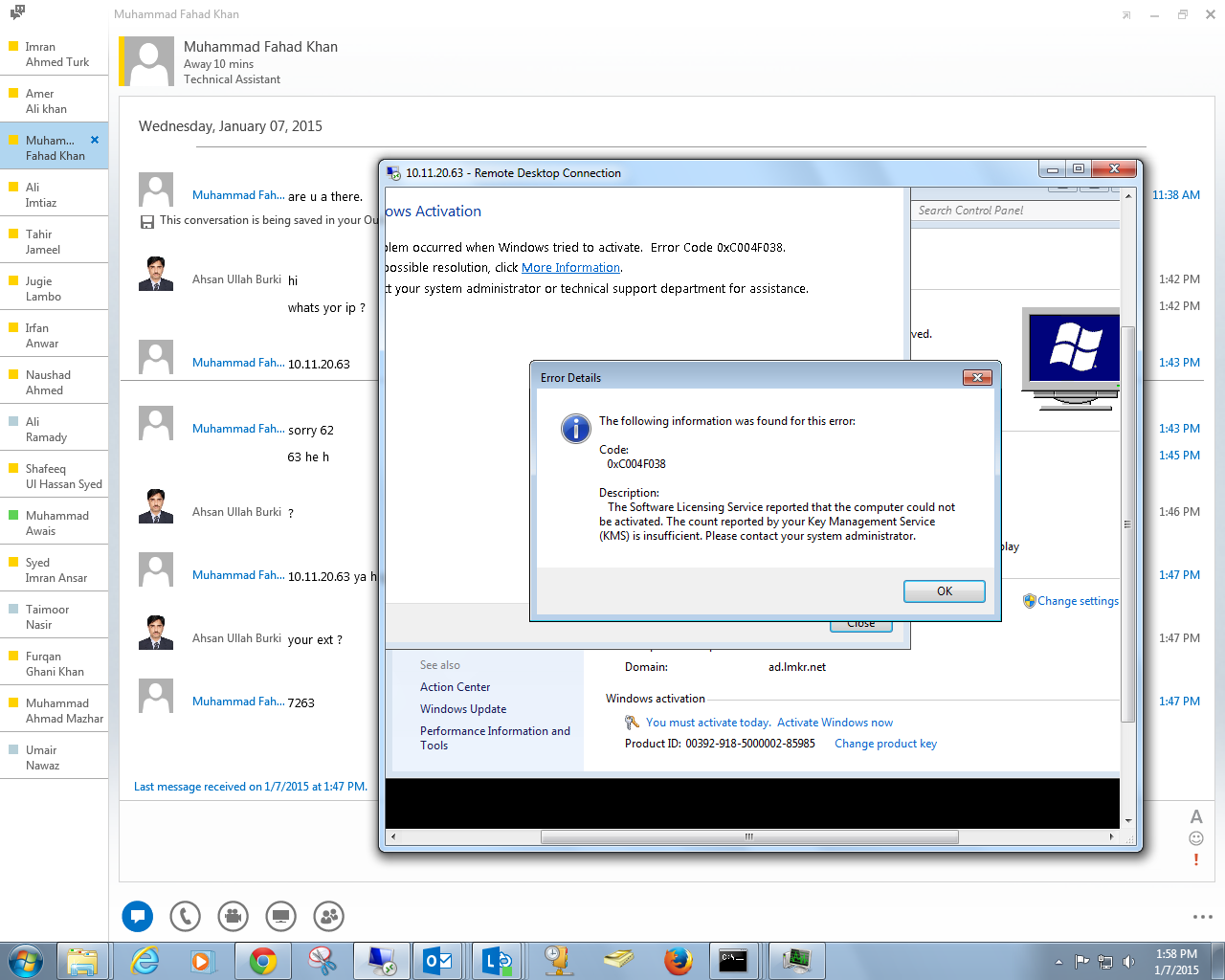
Windows Activation Error 0xC004F038 The licensing service reported that the computer could not be activated. The count reported by your key management service is insufficient. So the solution for windows activation…